
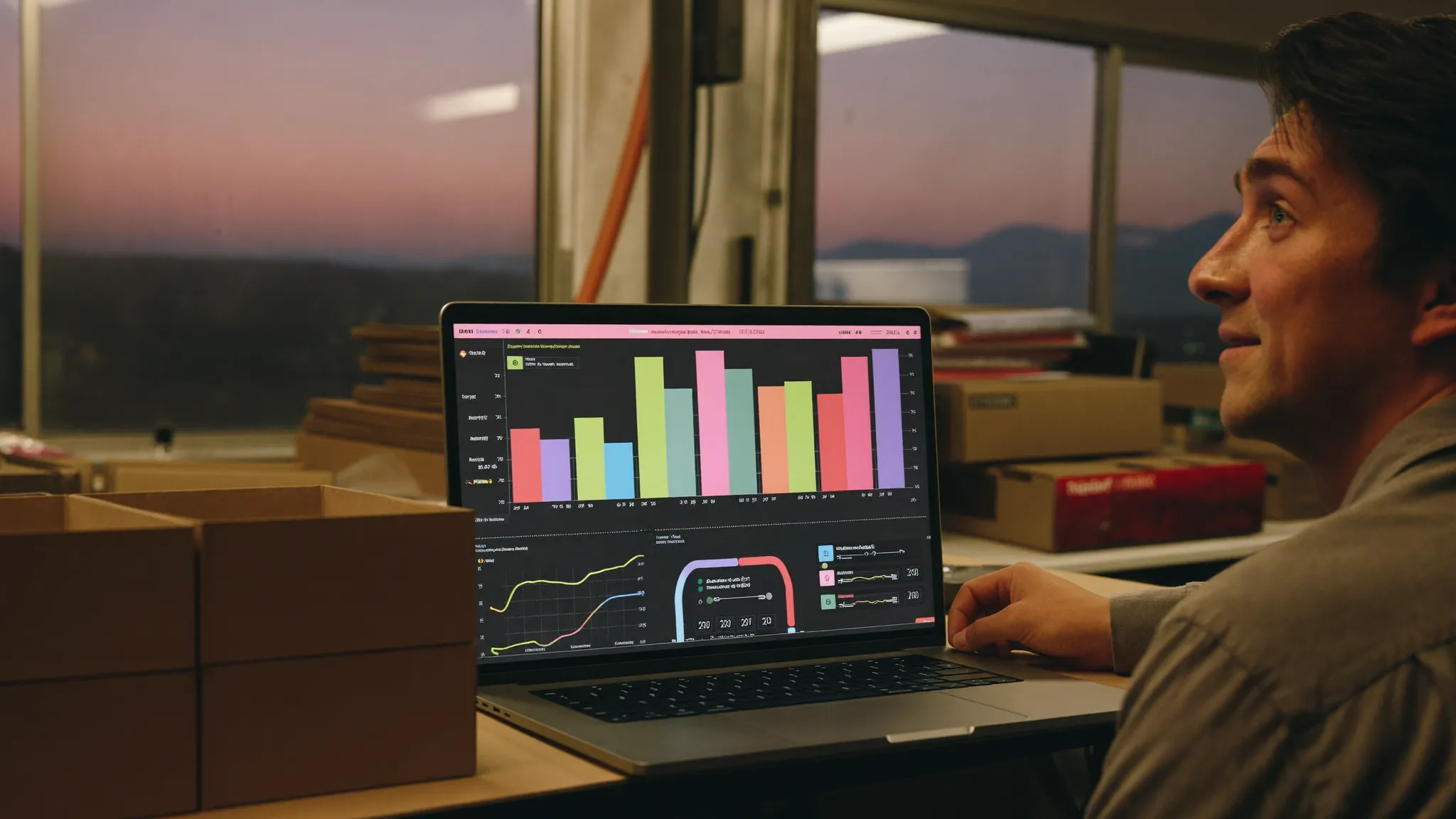
A profitability dashboard shows you, client by client, exactly how much you’re really making on each one. And the surprise is almost always the same: the clients you think are unprofitable often carry your best margins, while some of the big accounts you pamper are quietly losing you money on every order.
One of my clients thought he knew who his worst clients were. His own dashboard just proved him wrong.
He manufactures cardboard boxes and is carving out a solid slice of the market. Since day one, he’s been quoting by gut feeling. A price that “feels right,” built on experience and instinct. Like almost everyone does when they start out, especially when they actually know their trade.
The problem with gut feeling: it lies.
Gut feeling lies, especially once your revenue takes off
On our call, he noticed something troubling: his net margins were shrinking even though his revenue had tripled. More sales, but less money left at the end. It’s the kind of paradox instinct never sees coming.
Why? Because your brain remembers what stands out, not what’s true. The friendly client who calls you often feels valuable. The quiet small account feels negligible. But “friendly” and “profitable” are two different things. Until you put the numbers side by side, you’re deciding on an impression.
What a profitability dashboard actually reveals
So we built him two things:
- An engine that calculates the real margin on every quote. No more pricing by feel: every quote shows its real margin before it’s even sent.
- A profitability dashboard that shows him, client by client, where he’s actually making money.
The evening he saw his numbers for the first time, this is what landed on my phone:
“I love it” “yes, that’s exactly what I want” “yes! wow, I’m surprised by these results”
Then the message that changes everything:
“The bad clients don’t seem to be the ones I thought.”
That says it all.
Your worst clients aren’t who you think
The clients he thought were “unprofitable” were sometimes his best margins. And some of the big accounts he pampered were costing him money on every order.
He’d always decided based on a false intuition, simply because nobody had ever shown him the real numbers. And to be honest, that’s always the effect of facing the numbers for the first time. A mix of relief and “how did I not see this before.”
Your gut tells you one story. Your data tells you another. And it’s almost always the second one that pays your bills.
How to get your own profitability dashboard
You don’t need a $10,000 accounting system or a full-time analyst. You need three things: your real cost per product, a margin calculation applied to every quote, and a dashboard that displays it all, client by client. Everything else is automation.
Have you actually looked at your real numbers, or are you still navigating by feel?
If you want to know yours, run the free diagnostic. In a few minutes, you’ll see exactly where your business is really making (and losing) money.
Frequently asked questions
A profitability dashboard shows you, client by client and product by product, the real margin you’re making. It turns your revenue into useful information: where you’re making money, and where you’re quietly losing it.
Compare what a client brings in to what they actually cost you: materials, time, discounts, payment delays. A client can generate a lot of revenue while carrying a thin margin, or even a negative one. Only the math tells you that, not gut feeling.
Because growth amplifies your pricing mistakes. If you quote by feeling, every badly-priced contract weighs heavier as you scale. A profitability dashboard makes those leaks visible before they get worse.

About the author
Edouard Vilver · Co-founder of Meriaky
Software engineer with 15 years of experience, including more than 7 years at the National Bank of Canada, where he rolled out electronic signatures and migrated systems to the cloud. Today, he helps small businesses automate their client follow-up and repetitive tasks with AI.
His LinkedIn profile
Freemium model: what we learned designing our free version
The freemium model means offering a deliberately limited free version, so people can test before buying the full version. The…

Manage your cash flow: see the gap before you fall into it
Manage your cash flow by tracking, on an ongoing basis, what will move in and out of your account over…

Customer acquisition cost: what a new customer really costs you
Customer acquisition cost is everything you spend to win a new customer, divided by the number of customers you win…