

Reliable automation proves itself. You don’t just take it on faith. Here are two stories from this week, lived on our own systems, not a client’s. We’re telling them because they show exactly what reliable automation is, and what it isn’t.
The setting that didn’t exist
First, on our own website, an important setting. We’d believed it was active for days: the interface showed it as done. But a verification script went and checked the real page, the one the world actually sees. Nothing was there: the change had never actually gone live. The interface said yes, the site said no.
How long would it have taken us to notice without that check? No idea, and that’s exactly the problem.
The report that said “success”
Second story. An automated task runs, the report shows a success. Except the task had actually failed. The success message came from the last step in the chain, a display step, not the one doing the real work. In short, the green light was tracking the wrong step, not the real one.
Both failures share one thing: zero noise. No error message, no alert, just a system letting you believe everything is fine.
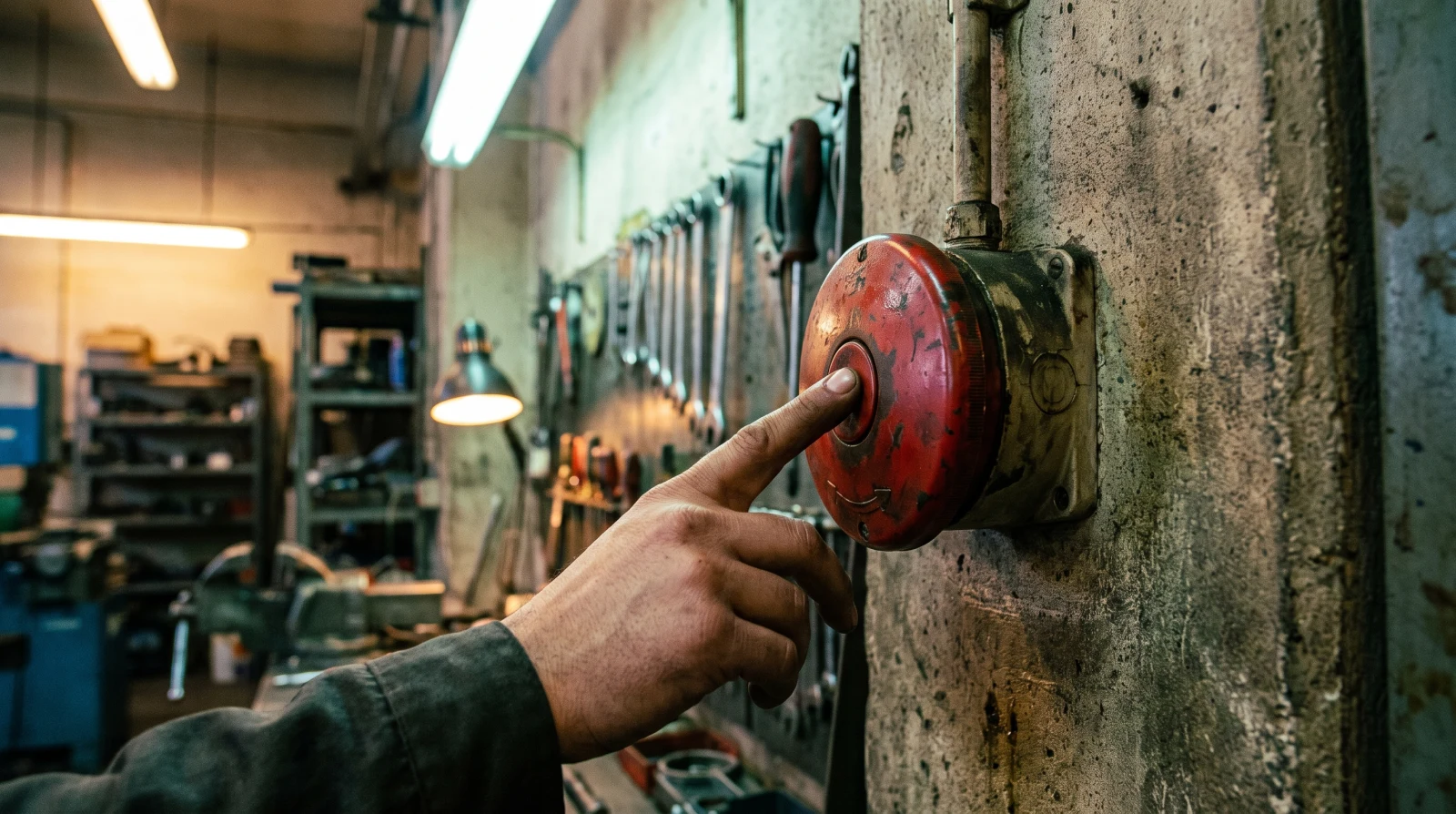
Reliable automation proves itself, it isn’t taken on faith
Most tools on the market fail silently. A message that doesn’t send, a form that doesn’t save: nobody finds out. So here’s what makes an automation reliable, what we require from every system we deliver:
- First, visible proof. You can see it ran without having to ask: a log, a notification, a line somewhere.
- Second, an alert when it breaks. Silence isn’t proof that things are working, it’s an absence of information.
- Third, zero loss. If a step fails, we set the client’s request aside and replay it automatically. Nothing disappears. The principle ties back to idempotence in computing: replaying an action should never duplicate it.
- Fourth, a check on the real state of things. We don’t trust the interface, we look at what the client actually receives, what the page actually shows.
Break your detector before you trust it
One last habit, the least known one: when you set up a check, start by making it fail on purpose. Disconnect something, send a broken case, and see if your alarm actually goes off. An alarm you’ve never heard ring protects nothing.
It’s the equivalent of a fire drill: you don’t want to find out on the day of the fire that the alarm didn’t work. That’s exactly what separates reliable automation from a system that’s simply been lucky so far.
In your business: reliable automation, or a gamble?
This week, pick one automation you depend on, just one, and ask: if it stopped tonight, who would know, and when? If the answer is “nobody, until a client complains,” then what you have isn’t reliable automation, it’s a gamble.
And even before reliability comes the choice of what to automate: the number one mistake when automating a process is still the costliest one. For an audit of your systems, reach out.
Frequently asked questions
Visible proof that it ran, an alert when it breaks, zero data loss on failure, and a check of the real state of things instead of just the interface.
By making it fail on purpose. Disconnect something, send a broken case, and see if the alarm actually goes off. An alarm you’ve never heard ring protects nothing.
The client’s request should never be lost: it gets set aside and replayed automatically. That’s the foundation of reliable automation, even during a partial failure.

About the author
Edouard Vilver · Co-founder of Meriaky
Software engineer with 15 years of experience, including more than 7 years at the National Bank of Canada, where he rolled out electronic signatures and migrated systems to the cloud. Today, he helps small businesses automate their client follow-up and repetitive tasks with AI.
His LinkedIn profile
AI data privacy: what your tools actually keep
AI data privacy depends on precise settings, not automatic protection. What you type into Claude can be kept for five…

Digital twin for small business: test your decision before you make it
A digital twin for small business is a document that knows your company almost as well as you do: your…

Process audit: the full picture before you change anything
A process audit is not a list of recommendations. It is the full picture of how your business works today.…