
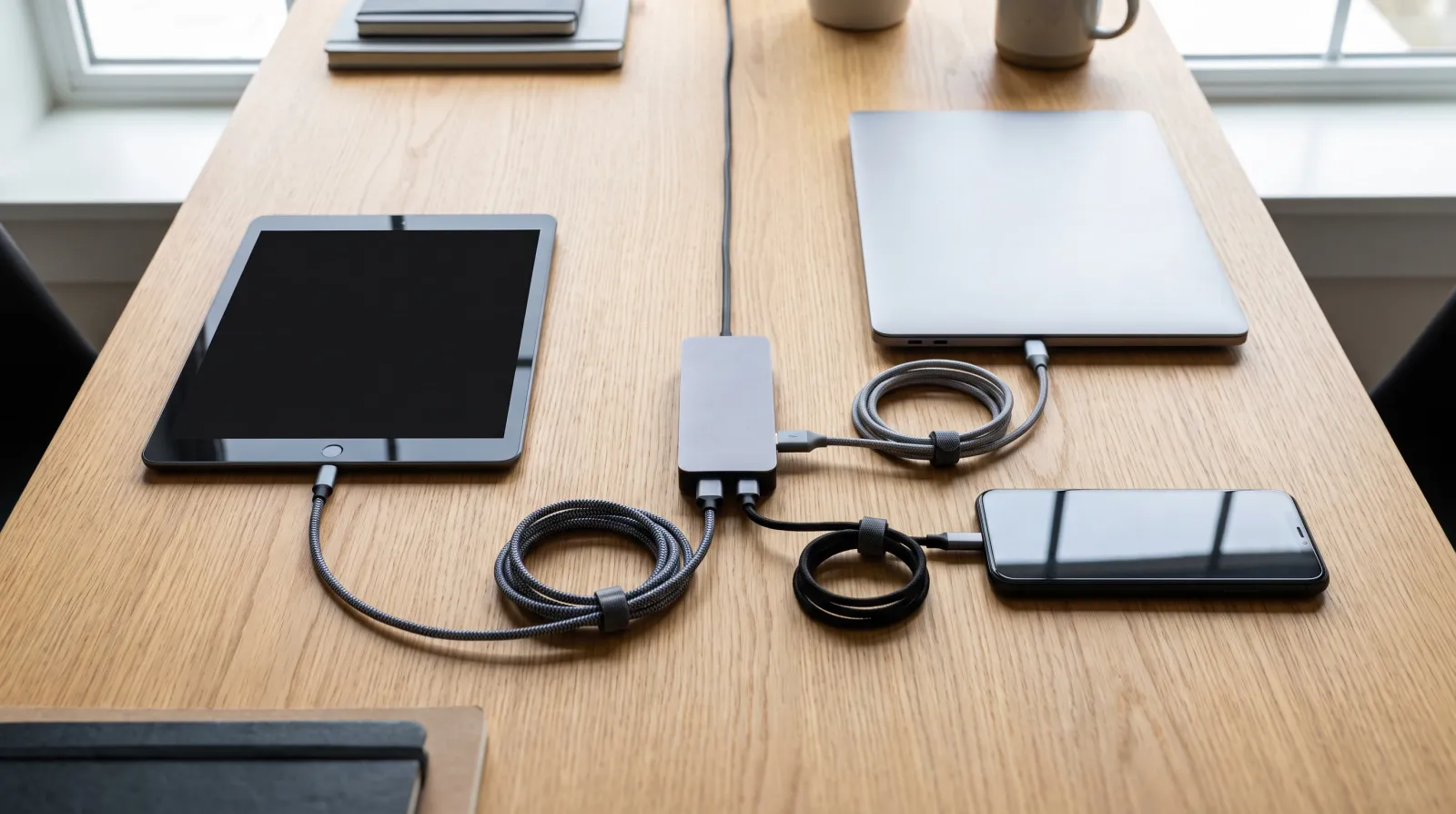
Connect your tools so information moves on its own between your form, your calendar, and your invoicing, without anyone retyping a thing. Most small businesses I meet don’t have a tool problem. They have a connection problem.
Every app is good, chosen with care, sometimes even expensive. But bought separately and never linked together, they add up to Ikea furniture assembled without the screws: each board stands on its own, the whole thing doesn’t.
The real problem isn’t how many tools you have
The problem is almost never a missing tool. It’s the missing link between the tools already sitting inside the business.
A typical small business uses one tool for forms, another for its calendar, a third for invoicing. Taken one at a time, each does its job well. But the moment information has to move from one to the other, someone handles it by hand.
Take a real example. A service business buys a form tool, an online calendar, and invoicing software, each one well reviewed and reputable. Yet six months later, someone on the team still spends an hour a day copying information from one screen to another.
The symptoms of tools that don’t talk to each other
Three signals show up almost every time: the same information typed more than once, details sleeping in an inbox, and nobody sure which tool is telling the truth.
A client fills out a form. Then someone retypes their name into the calendar. Then again on the invoice. Three entries for one piece of information, and three chances to get it wrong.
Next, important messages stay stuck in an inbox that only one person checks. So the moment that person is out, everything behind them stalls.
Another classic sign: two tools show two different dates for the same appointment. Nobody knows which one to trust, so each person checks it their own way, which doubles the work instead of simplifying it.
Connect your tools: follow a client request start to finish
To find out where to connect your tools first, trace the full path of a single client request, from the first contact to the follow-up after payment.
Take a real case. A form comes in. A reply goes out. An appointment gets set. An invoice gets sent. A follow-up gets scheduled. Note every step where someone retypes, copies and pastes, or switches screens by hand.
Every manual entry is a missing bridge between two tools that should talk to each other on their own. So once you’ve spotted those bridges, the priority becomes obvious.

A missing bridge costs more than it looks
A single retype takes two minutes, but it repeats for every client, every week, all year long. That invisible loss ends up weighing on your month.
In fact, a business uses 101 apps on average today, according to the Businesses at Work report from Okta. The more tools there are, the more bridges you need to build, and the more a missing link costs you in time and errors.
Run the math for your own team. Ten minutes of retyping per client, multiplied by the number of clients handled every week, quickly adds up to several lost hours a month, not counting the errors that follow a bad copy.
Connect your tools: the concrete method
Connect your tools, in practice, means plugging an automation tool between your apps so data flows without anyone touching it.
A completed form then triggers the automatic creation of the contact in your client tracking tool, sends the confirmation email, then adds the appointment to the calendar. You haven’t retyped a thing.
We actually compared the two most common platforms for this in our article on choosing Make or Zapier to link your tools. Both do the same job, with different strengths depending on your volume.
Once the first path is connected, the gain shows up right away: less waiting for the client, less fatigue for the team, and one reliable source of information for everyone.
The warning: never connect a fuzzy process
Linking two tools together when the process behind them is fuzzy doesn’t fix anything. It just automates the chaos faster.
Before you connect anything, the client request path needs to be clear, written down, with no gray areas. We covered this classic mistake in our article on the mistake of automating a fuzzy process.
A poorly defined process, once automated, simply produces errors faster and in greater numbers. Documenting the process before you connect your tools stays the first step, even if it feels less exciting.
Also, connecting your tools doesn’t mean connecting everything at once. Focus on the bridges that carry real volume, not the exception that shows up once a quarter.
Connect your tools: where to start
To start, connect your tools one path at a time: pick the one costing you the most hours each week, and fix that one first.
One bridge is enough to feel the difference. And if you want us to map that path with you, reach out.
Frequently asked questions
Because a good tool used alone isn’t enough. It’s the flow of information between tools that saves you time. When you connect your tools, you get rid of double entry and copy-paste mistakes, even if every single app works perfectly on its own.
It depends on how many bridges you need to build, but a first connected client path often takes about a week. After that, each new bridge goes faster, because the same logic repeats from one tool to the next.
No, and that’s actually a common mistake. Start by linking the paths that come back every week, then leave the rare cases to manual handling. They don’t justify the investment.

About the author
Terry Vilver · Co-founder of Meriaky
A computer engineer with 5 years of experience between EDF (France’s national electricity provider) and Meriaky. At EDF, he built a ticketing system that automatically assigns customer files to the right operators. For the past 2 years at Meriaky, he has been helping small business owners free themselves from repetitive tasks: client follow-up runs automatically, and they save time and money.
His LinkedIn profile
AI data privacy: what your tools actually keep
AI data privacy depends on precise settings, not automatic protection. What you type into Claude can be kept for five…

Digital twin for small business: test your decision before you make it
A digital twin for small business is a document that knows your company almost as well as you do: your…

Process audit: the full picture before you change anything
A process audit is not a list of recommendations. It is the full picture of how your business works today.…